What Is a PNR? Meaning, Status and Format Explained
A PNR, or Passenger Name Record, is a unique six-character code that stores your passenger identity, flight segments, contact information, and booking status in an airline or GDS database. Every flight booking creates a PNR. Embassies verify flight reservations by checking this code in GDS platforms like Amadeus, Sabre, or Travelport. A real PNR returns a valid booking record. A fake one returns nothing and results in visa rejection.
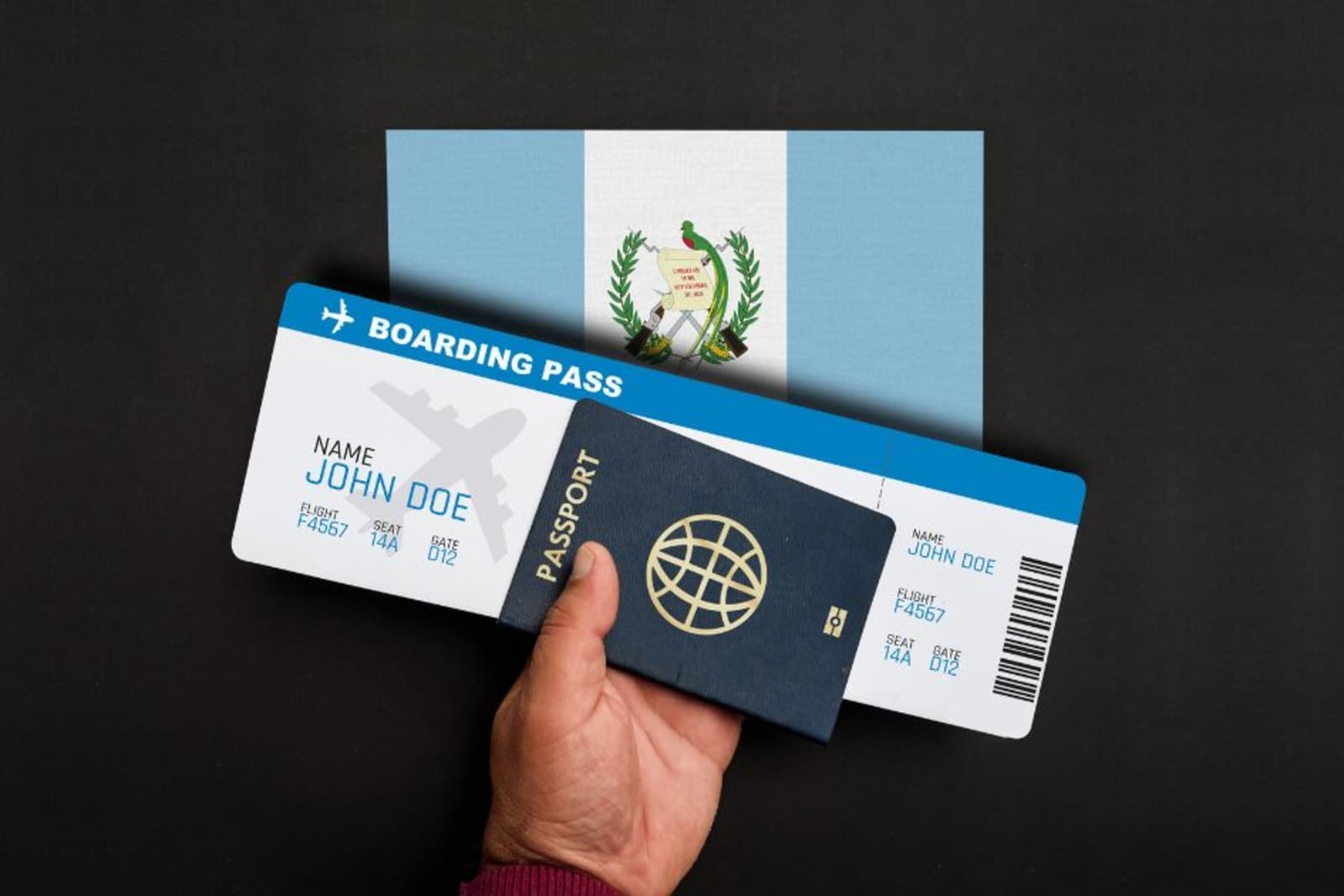
PNR stands for Passenger Name Record. It is the unique six-character code that stores every detail of your flight booking in an airline or GDS database. Whether you book a paid ticket, hold a temporary reservation, or get a dummy ticket for a visa application, the system creates a PNR to identify and manage that booking.
What Does a PNR Actually Contain?
A PNR is not just a reference number. It is a digital file that holds a structured set of data about you and your journey.
Passenger Identity
The PNR stores your full name, date of birth, gender, nationality, and passport number as entered at the time of booking. This is the data that airlines use to match you to your reservation at check-in and that governments use for security screening. The name in the PNR must match your passport exactly.
Flight Itinerary
Every flight segment in your booking is recorded in the PNR, including airline name, flight number, departure and arrival airports, dates, times, and booking class. If you have a multi-city itinerary, each leg is stored as a separate segment within the same PNR. A single PNR can hold multiple flight segments across different airlines.
Contact Information
The PNR includes a phone number and email address so the airline or booking agent can reach you about schedule changes, cancellations, or gate updates. For bookings made through a travel agent, the agent's contact details are also stored.
Ticketing Information
This field shows whether an e-ticket has been issued against the PNR. A paid booking will show a 13-digit e-ticket number. A dummy ticket or temporary hold will show the PNR as unticketed, meaning the reservation exists but no payment has been processed. This is the key difference between a reservation and a confirmed ticket.
Booking Status
The PNR tracks the current status of each segment: confirmed (HK), waitlisted (HL), cancelled (XX), or on request (NN). When an embassy or border officer checks your PNR, they see this status field to determine whether the reservation is active. An expired or cancelled PNR shows a different status than an active one.
How Is a PNR Created?
The process depends on where and how the booking is made. Every path leads to a PNR being generated and stored.
Through an Airline's Own Website
When you book directly on an airline's website, the PNR is created in the airline's Computer Reservation System (CRS). The airline assigns the six-character code and stores all your details internally. This PNR is visible on the airline's Manage Booking page using your code and surname.
Through a Global Distribution System
When a travel agent, online travel agency, or dummy ticket provider books through a GDS like Amadeus, Sabre, or Travelport, the PNR is created in the GDS first and then mirrored to the airline's CRS. Both systems hold the record, but the airline's public website may not display GDS-created bookings. This is why some reservations do not show on the airline's consumer portal even though they are live in the system.
Through a Travel Agent or Booking Platform
Travel agents access GDS platforms through their professional terminals. When they create a reservation, the GDS generates a PNR and sends the booking request to the relevant airline. The agent receives a GDS record locator, and the airline creates its own PNR linked to the GDS record. These two codes may be different but point to the same booking.
Need proof of onward travel?
A real PNR you can show the embassy or the airline from USD 13, without buying a ticket you might not use.
Other Names You Will See for a PNR
The six-character code is the same thing regardless of what the airline or booking platform calls it. Different providers use different labels, which confuses travelers who think they are separate documents.
On Airline Confirmation Emails
Airlines label the PNR as a booking reference, confirmation code, or reservation number depending on their system. Lufthansa calls it a booking code, Frontier calls it a flight confirmation code, and LOT calls it a booking reference. All of these point to the same PNR record in the system.
On Travel Agency Documents
Travel agencies and online platforms like Expedia or Booking.com may use terms like record locator, itinerary reference, or travel confirmation number. The GDS record locator from the agency side may differ from the airline's own PNR code, but both reference the same reservation.
On Boarding Passes and E-Tickets
Your boarding pass displays the PNR as a six-character code near the top, separate from the longer 13-digit e-ticket number. These are two different identifiers. The PNR points to your booking record. The e-ticket number confirms payment.
Where to Find Your PNR Code
Knowing where your PNR appears helps you verify your booking before submitting it with a visa application or presenting it at the airport.
Booking Confirmation Email
The PNR is included in the confirmation email sent immediately after booking. It is usually displayed near the top of the email alongside your name and flight details. This applies to airline direct bookings, travel agency bookings, and dummy ticket reservations.
E-Ticket or Flight Itinerary PDF
On your downloadable flight itinerary, the PNR appears as a six-character code labeled booking reference or confirmation number. For visa applications, this is the document you print and attach to your file. The PNR on this document is what the embassy uses to verify your reservation.
Airline App or Website
After booking, you can enter your PNR and surname on the airline's Manage Booking or My Trips page to view your reservation details. For GDS-created bookings like dummy tickets, some airlines may not display the reservation on their public portal, which is a known system limitation, not a sign of a fake booking.
What Does PNR Status Mean?
PNR status is the code attached to each segment of your booking that says whether the seat is confirmed, waitlisted, or cancelled. On a flight reservation the most common status is HK, which means holding confirmed. A dummy ticket created through a GDS shows a confirmed status on every segment, which is what an embassy or an airline agent expects to see when they look the PNR up.
| Status code | Meaning | What it tells you |
|---|---|---|
| HK | Holding confirmed | The segment is confirmed and held in the airline system |
| RR | Reconfirmed | The booking has been reconfirmed with the airline |
| TK | Confirmed after a schedule change | Still confirmed, but the time or flight number changed |
| HL | Waitlisted | You are on the waiting list, not confirmed |
| UC | Unable to confirm | The request could not be confirmed and the waitlist is closed |
| HX | Cancelled | The segment has been cancelled |
| UN | Unable, flight not operating | The flight no longer runs on that date |
Flight PNR Status Is Not the Same as Railway PNR Status
Most searches for PNR status are about Indian Railways, which uses a different set of codes: CNF for confirmed, RAC for reservation against cancellation, and WL for waiting list. Airline bookings do not use those codes. If you are checking a flight reservation, the codes in the table above are the ones that apply.
PNR vs E-Ticket: What Is the Difference?
These are two separate records that serve different purposes. Confusing them is one of the most common misunderstandings among travelers.
The PNR Is the Booking Record
A PNR confirms that a reservation exists in the system. It stores who is traveling, where, and when. It does not confirm that payment has been made. A PNR can exist without an e-ticket, which is exactly what a dummy ticket is: a valid reservation with no issued ticket.
The E-Ticket Is the Payment Confirmation
An e-ticket is issued after payment and is identified by a 13-digit number that is separate from the six-character PNR. The e-ticket confirms that the fare has been paid and a seat is guaranteed. You need an e-ticket to check in and board a flight. You cannot use a PNR without an e-ticket at airport check-in.
Why This Matters for Visa Applicants
Embassies ask for a flight reservation, which means they are asking for a PNR. They are not asking for an e-ticket. Under the EU Visa Code, Article 14(1) of Regulation EC No 810/2009 permits flight reservations rather than paid tickets for Schengen applications. The PNR is the document that satisfies this requirement.
How Long Does a PNR Stay Active?
A PNR does not last forever. Its lifespan depends on the type of booking and whether a ticket has been issued.
Paid Bookings
Once an e-ticket is issued, the PNR remains active until 24 to 72 hours after the last flight segment in the itinerary, according to IATA standards. After that, the record moves to the airline's archive where it is stored for 2 to 7 years depending on the carrier.
Airline Holds Without Payment
Airlines that allow temporary holds keep the PNR active for 24 to 72 hours before auto-cancelling it. Some carriers offer extended holds of up to 7 days on certain routes. Once the hold expires without payment, the PNR status changes to cancelled and the seats return to inventory.
Dummy Tickets and GDS Reservations
Dummy tickets created through GDS platforms typically have a validity of 7 to 21 days depending on the provider and the airline's queue management settings. When the validity window closes, the PNR is cancelled automatically. If your visa is still being processed when this happens, you need a fresh reservation with the same details.
PNR Privacy and Data Retention
Your PNR contains sensitive personal information, and how it is stored and shared is governed by data protection regulations in most jurisdictions.
How Long Governments Keep Your PNR Data
Under the EU PNR Directive (2016/681), PNR data collected by member states is depersonalized after six months and deleted after five years. In the United States, the Department of Homeland Security stores PNR data in the Automated Targeting System, where records are depersonalized after six months and moved to dormant archives after five years for an additional ten years of retention.
Why You Should Not Share Your PNR Publicly
Your PNR and surname together act as a login to your booking. Anyone with both can access your reservation through the airline's website, view your travel details, and in some cases modify or cancel your flights. Posting boarding pass photos or confirmation screenshots on social media with the PNR visible is a known security risk that cybersecurity experts consistently warn against.
How Legitimate Providers Handle Your Data
Reputable dummy ticket providers use your personal details solely to create the GDS reservation and do not store, resell, or share your passport information beyond what is needed for the booking. Before sharing your details with any provider, confirm they have a published privacy policy and use encrypted data transmission.
How Embassies and Border Officers Use Your PNR
The PNR is the primary tool embassies and immigration authorities use to verify your flight reservation. Understanding how they access it explains why a real PNR matters.
Embassy Verification Through GDS Access
Visa officers at embassies and processing centers like VFS Global and TLScontact have access to GDS platforms. They enter your PNR code and surname into the system and see your full booking record including passenger details, flight segments, dates, and reservation status. This is how they verify dummy tickets submitted with visa applications.
Border Officer Checks at Immigration
Immigration officers at airports can check PNR data through airline systems, GDS terminals, and IATA's Timatic database. Officers use this to verify that arriving passengers have valid onward travel and that the booking details match their passport and visa.
Advance Passenger Information Systems
Airlines are required to transmit PNR data to government agencies before flights depart. The US TSA Secure Flight program, the EU PNR Directive, and similar frameworks in Canada and Australia all mandate pre-departure data sharing. This means border officers often know your booking details before you land.
What Makes a PNR Verifiable?
Not every document with a six-character code on it has a real PNR behind it. The difference between a verifiable and a fake PNR is critical for visa applications.
A Real PNR Exists in a GDS or Airline System
A verifiable PNR is one that returns a valid booking record when entered into Amadeus, Sabre, Travelport, or an airline's internal CRS. It shows your name, flight details, dates, and an active reservation status. This is what a legitimate dummy ticket from a provider like Dummy Ticket 365 produces.
A Fake PNR Exists Nowhere
Free ticket generators print a random six-character string on a PDF document. When anyone enters this code into any system, nothing comes back. There is no booking, no record, no data. Submitting a fake PNR to an embassy leads to visa rejection and can result in a fraud record that affects future applications.
Codeshare Bookings Create Multiple PNRs
If your itinerary involves codeshare flights, the GDS creates one PNR and the operating airline creates another. Both are linked but have different six-character codes. This is a common cause of booking not found errors when you enter the GDS PNR on the operating airline's website. It does not mean the booking is fake.
PNR Quick Reference
| Detail | What It Means |
|---|---|
| Format | Six characters, letters and numbers (e.g., X7B2KP) |
| Created by | Airline CRS, GDS (Amadeus, Sabre, Travelport), or booking platform |
| What it stores | Passenger name, passport details, flight segments, contact info, ticket status |
| How long it lasts | 24 hours to 21 days for unpaid reservations, until post-travel for paid tickets |
| Who can check it | Airlines, travel agents, embassies, border officers, GDS terminal users |
| PNR vs e-ticket | PNR is the booking record, e-ticket is the payment confirmation (13-digit number) |
| Active status code | HK (confirmed), XX (cancelled), HL (waitlisted) |
| Maximum passengers | Up to 9 travelers per PNR in most GDS systems |
Conclusion
A PNR is the backbone of every flight reservation. It is the six-character code that stores your identity, itinerary, and booking status in an airline or GDS database. For visa applicants, the PNR is the document embassies verify when you submit a flight reservation. A real PNR created through a GDS passes every check. A fabricated one fails instantly.
Every dummy ticket issued by Dummy Ticket 365 is created through a real GDS, generating a live PNR with an active booking status that embassies and border officers worldwide can verify. Get your verifiable dummy ticket and submit your visa application with a PNR that holds up under scrutiny.
Frequently Asked Questions
Written by
Ammar Afridi
Marketing Executive
Ammar Afridi has spent four years preparing travel and visa documentation for UAE residents, working on Schengen, UK, US and Canada files and handling more than 2,000 applications.
Dummy ticket
From USD 13
A real flight reservation with a verifiable PNR, delivered by email in minutes.
Get your ticket